10 Best Minimalist Productivity Apps for 2026: The Ultimate Guide to Focus and Flow
Discover 10 minimalist productivity apps for 2026 that help you focus, cut digital clutter, and build a calmer, more effective workflow.
The digital landscape of 2026 is louder than ever. Between AI-generated noise, constant notifications, and the endless-scroll economy, the most valuable asset you have is no longer information. It is attention.
That is why minimalist productivity apps matter more than ever. The best tools no longer win by offering the biggest feature list. They win by reducing cognitive load, sharpening focus, and making it easier to stay in flow.
This guide looks at 10 standout apps that embody the idea of "less, but better." Some help you write, some help you plan, and some help you think more clearly. Together, they show what a calmer and more effective digital workflow can look like in 2026.
1. Buildin: The Unified Operating System for the Modern Creator
As the boundary between work and creation keeps dissolving, more people need a tool that can hold projects, knowledge, planning, and publishing without becoming bloated. Buildin stands out as a minimalist productivity app because it combines real power with a workspace that still feels calm.
The Philosophy of Atomic Productivity
Buildin starts from a simple premise: your workspace should feel like a blank canvas, not a crowded cockpit. While it is often discussed as one of the strongest Notion alternatives, its real advantage is that it lowers the friction that many legacy tools create once a workspace grows.
Clean block-based architecture: Every page begins as a distraction-free writing surface. Databases, mind maps, and nested pages appear only when you need them, which keeps complexity from arriving too early.
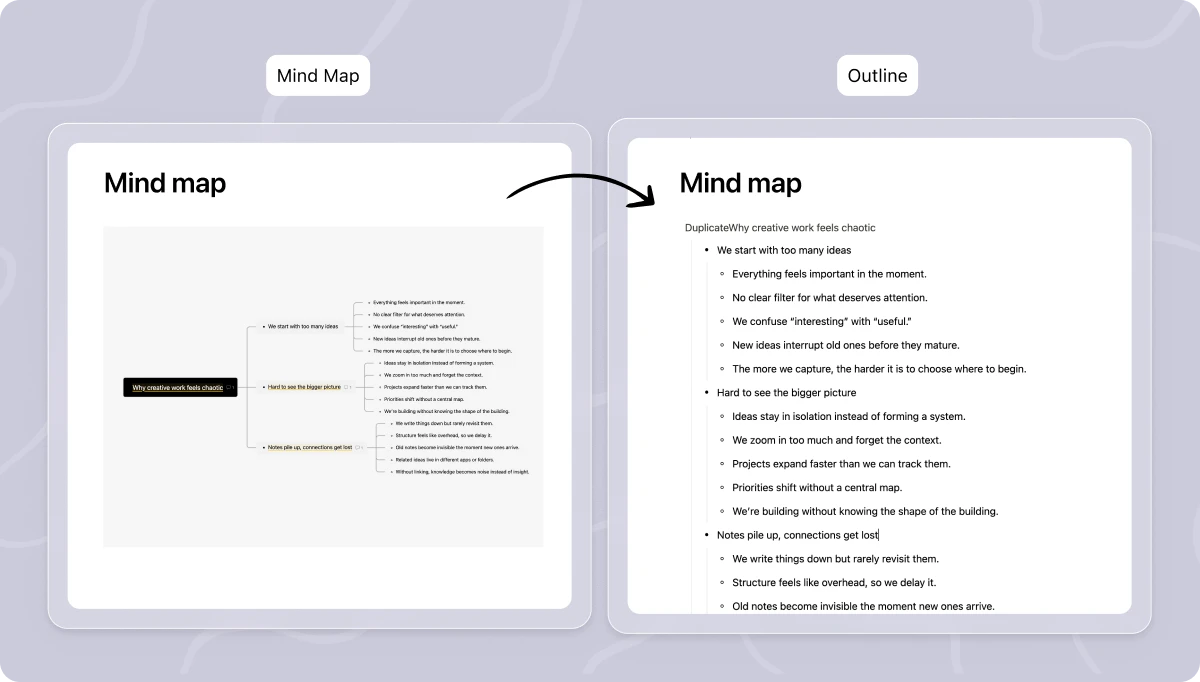
Mind maps built in natively: Instead of asking you to stitch together separate plugins, Buildin includes mind mapping inside the same environment where you write, plan, and organize knowledge.
The First Monetization-Native Workspace
In 2026, many creators are not just collecting knowledge. They are turning it into products. Buildin supports this directly with paid subscriptions, which lets you monetize your workspace without patching together extra platforms.
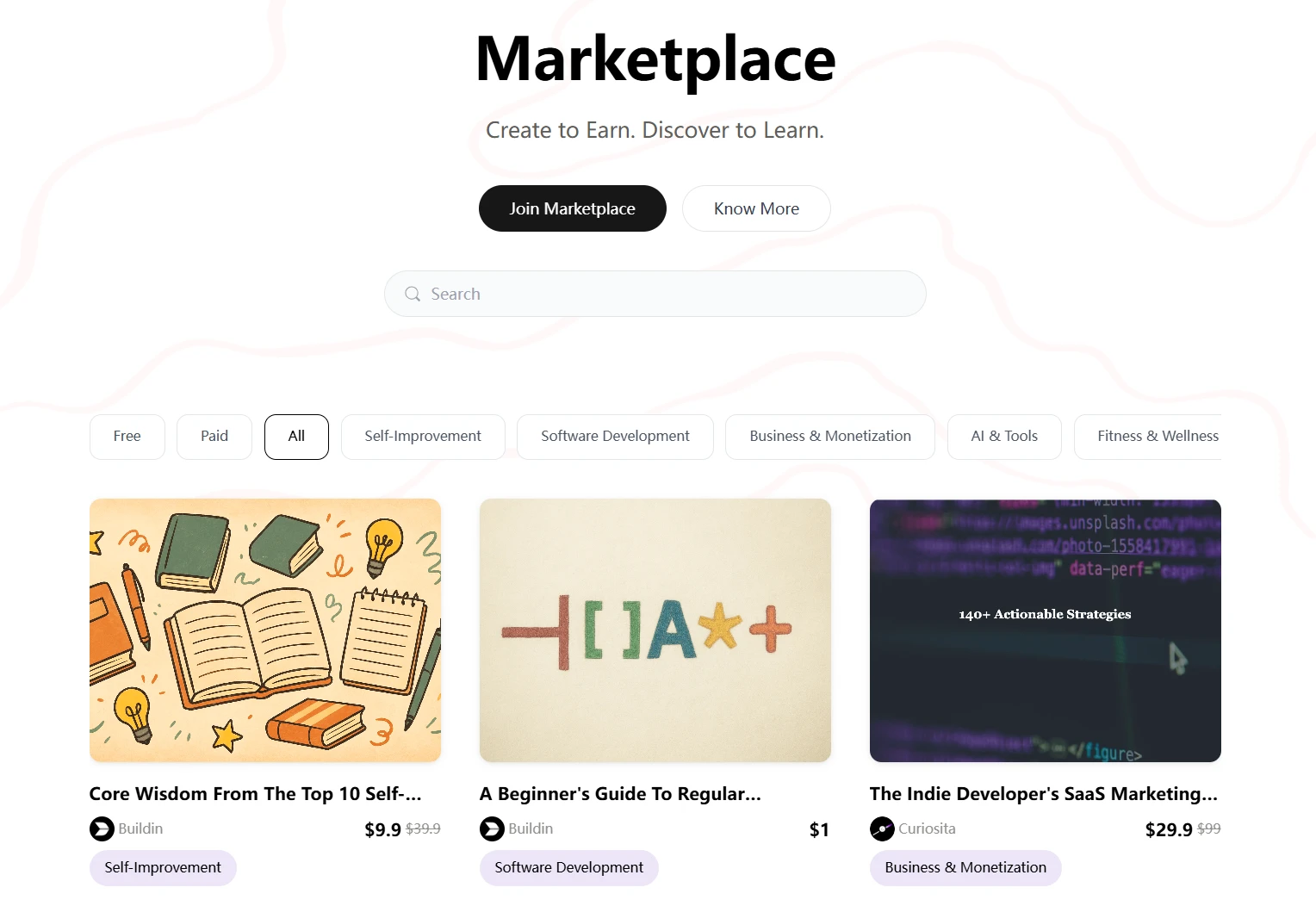
Direct access for subscribers: You can offer one-time purchases or recurring subscriptions inside the same ecosystem where you create the content.
Fewer moving parts: That means less dependence on extra tools like Gumroad or Substack and a much cleaner creator stack overall.
Advanced Knowledge Management and Enterprise Security
Buildin also addresses one of the biggest productivity problems of 2026: information overload.
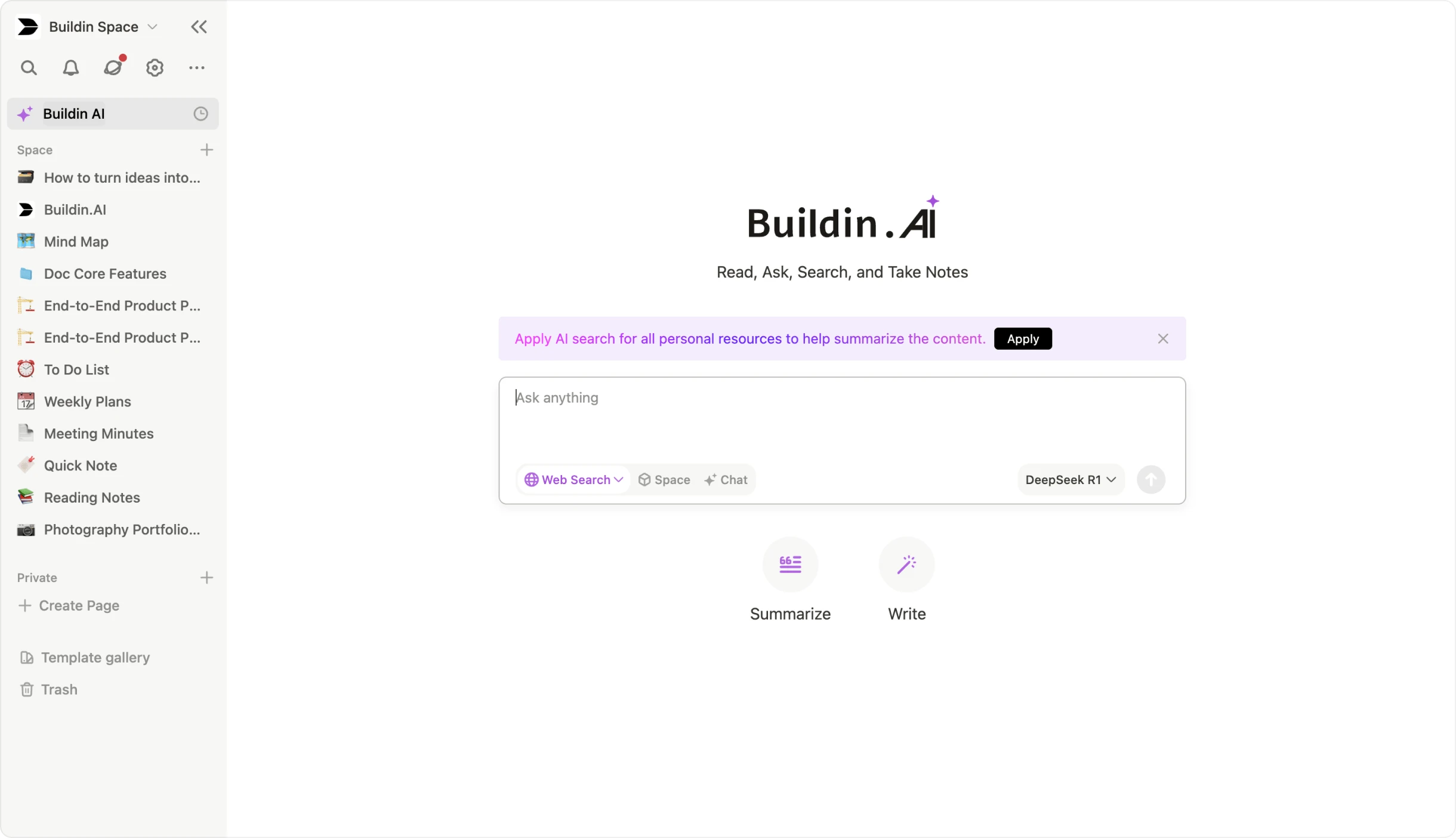
- AI-powered knowledge base: Instead of relying entirely on manual tags and folders, Buildin gives you AI tools that help search, summarize, and generate content inside your workspace.
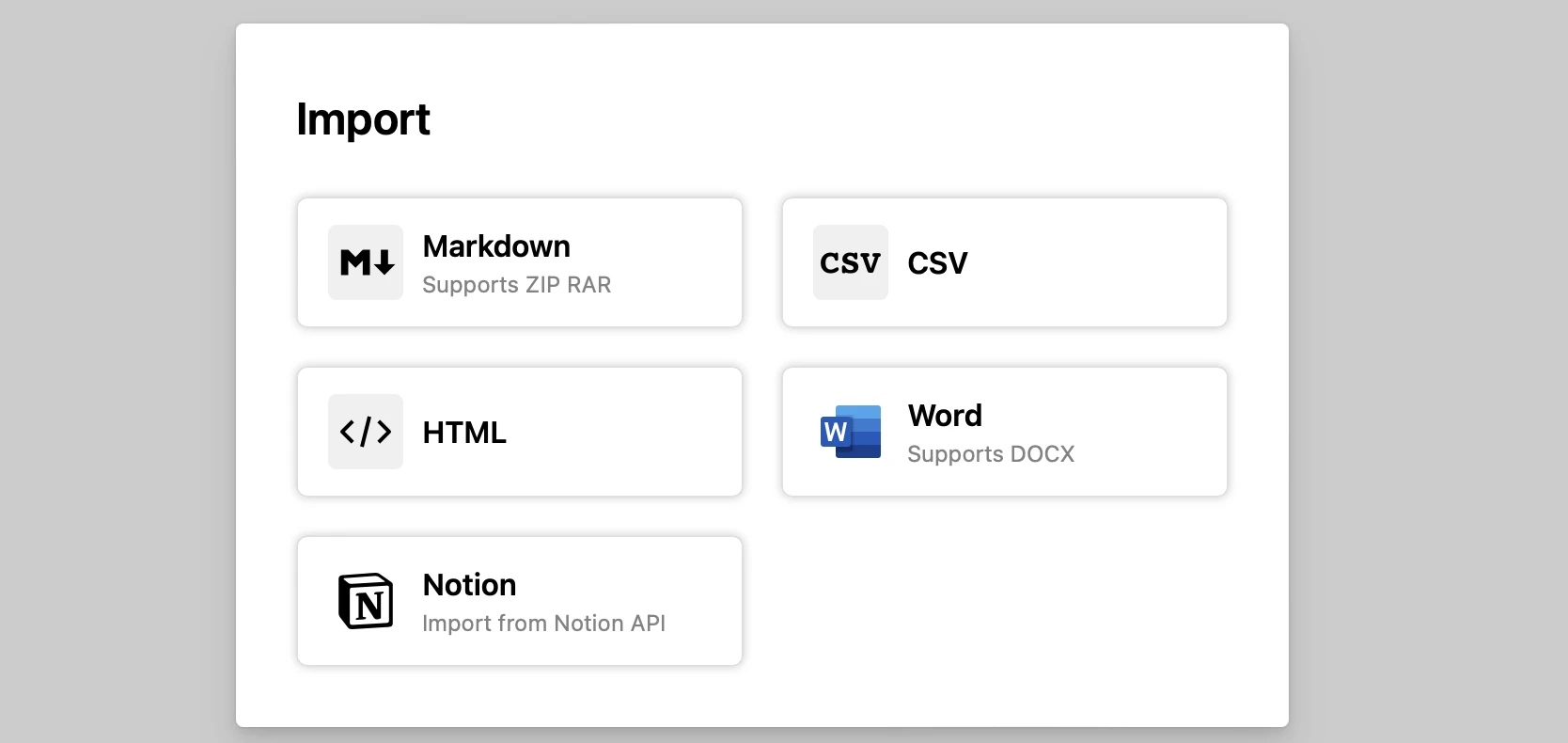
- Seamless Notion API import: Teams that want to migrate from slower systems can use Buildin to preserve databases, structure, and formatting more accurately than a plain markdown export.
- Private enterprise deployment: For organizations with strict data security or compliance requirements, Buildin also supports private deployment, which is still rare among minimalist SaaS tools.
The verdict: Buildin is one of the few all-in-one tools that truly feels like one tool. If you want a minimalist stack that supports focus, knowledge management, and monetization, it is the strongest foundation on this list.
2. Endel: The Neuro-Minimalist Focus Engine
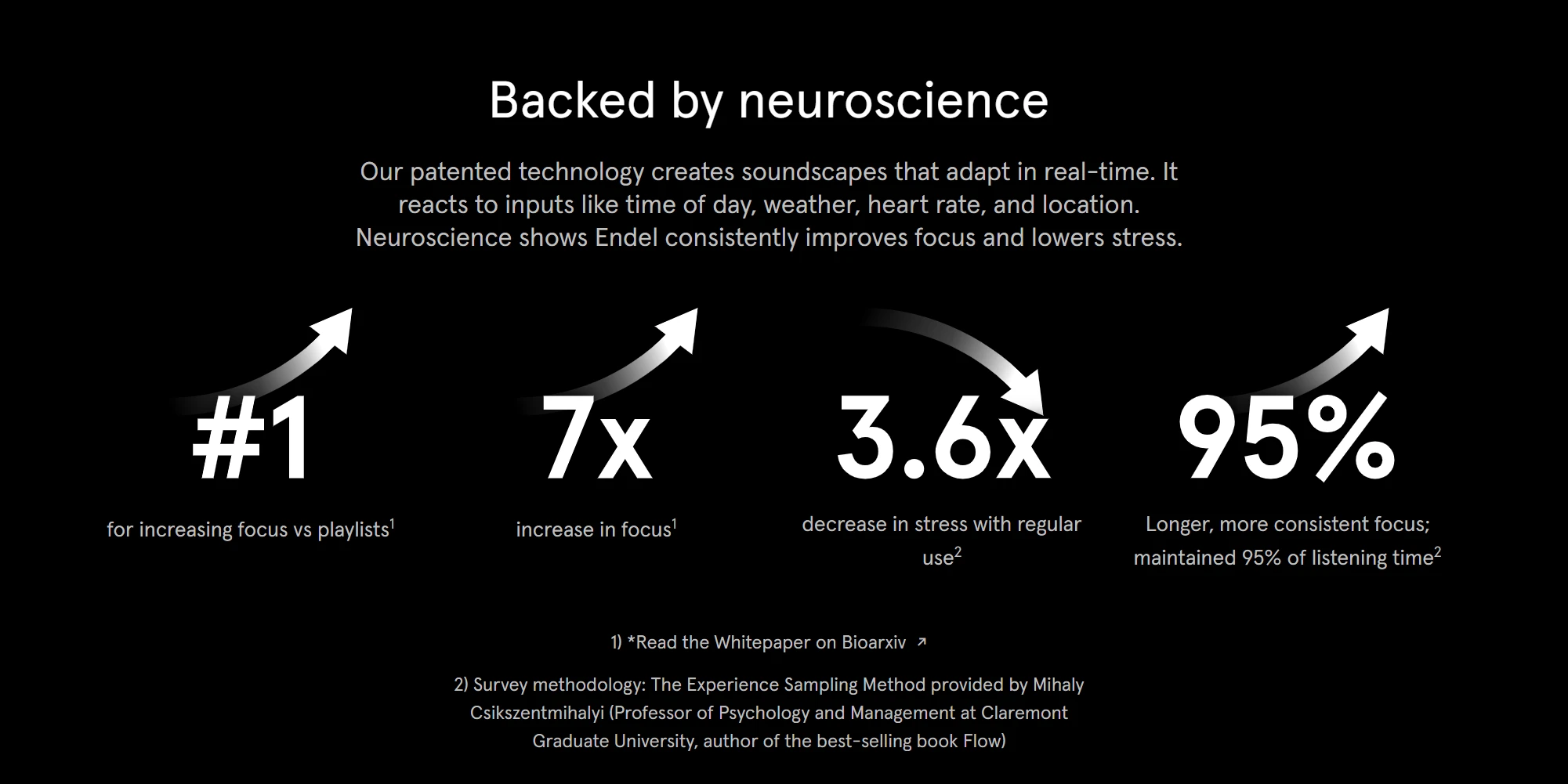
Minimalism is not only about visual design. It also shapes what you hear. Endel has redefined the focus app category by replacing static playlists with adaptive, AI-generated soundscapes that help users settle into deep work faster.
The Science of Sound Minimalism
Endel moves beyond generic white noise. Its sound environments respond to real signals instead of simply looping a background track.
Circadian alignment: The app uses your location and time of day to align sound patterns with your natural rhythm, helping your brain distinguish between focus time and recovery time.
Biological feedback: When paired with wearables or health sensors, Endel can adjust tempo and intensity based on your stress level, heart rate, and movement.
Aesthetic and Functional Clarity
Endel is also a lesson in interface restraint. There are no cluttered feeds, no exploration rabbit holes, and no social layer fighting for your attention.
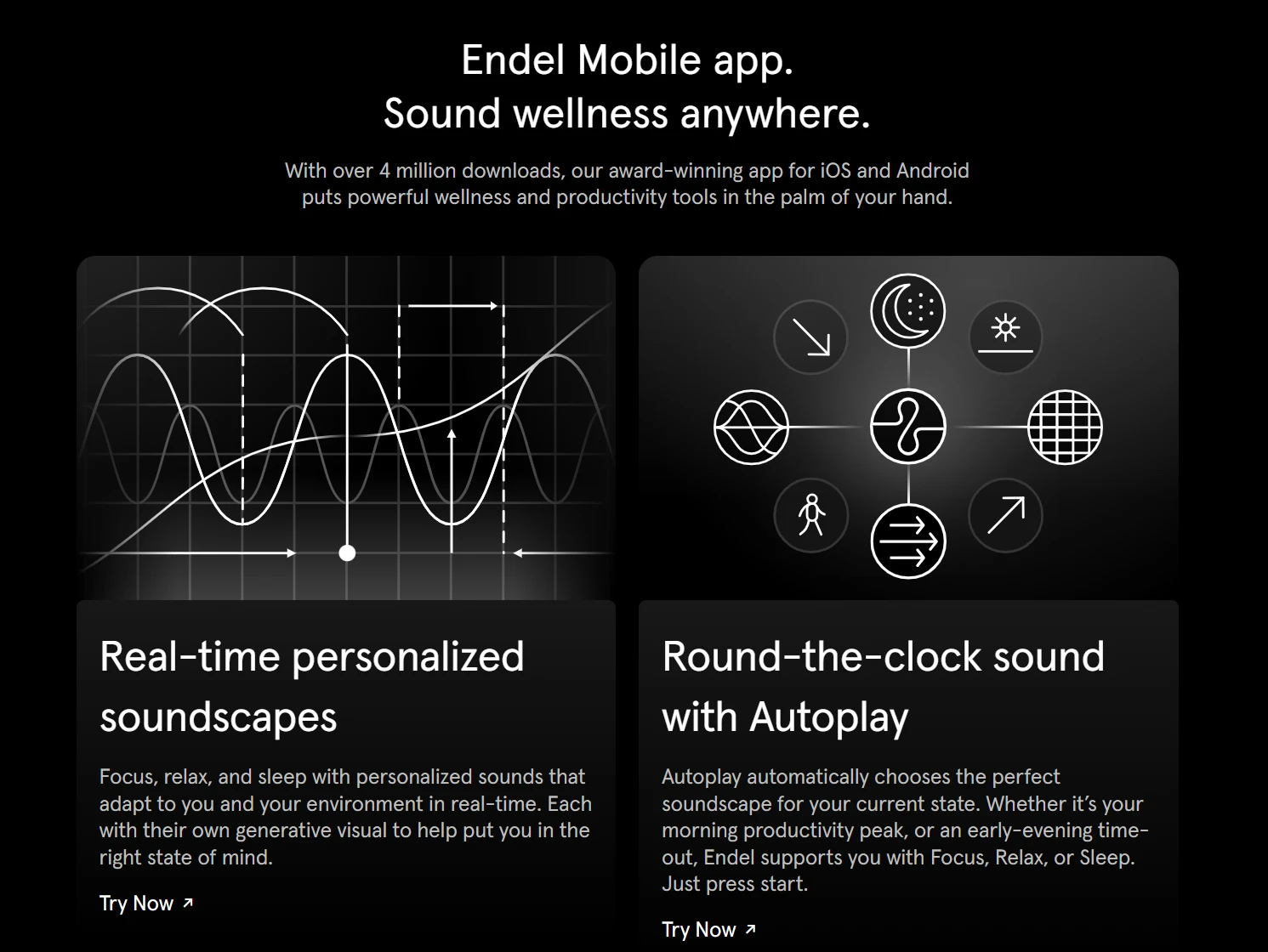
One-button simplicity: You open the app and choose among a few clear states such as Focus, Relax, Sleep, or Move.
Visual calm: The interface uses slowly shifting generative visuals that feel grounding without becoming distracting.
Why does this matter? Because in a minimalist workflow, the hardest step is often getting started. Endel lowers that activation barrier and gives your brain a reliable cue that it is time to work.
3. Akiflow: The Minimalist Bridge Between Tasks and Time
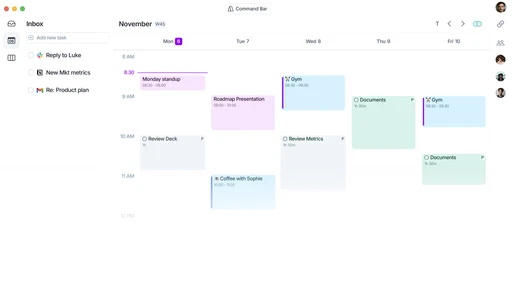
Many productivity systems fail because tasks and calendars live in separate worlds. Akiflow solves that gap with a workflow built around one central question: when will this actually get done?
Consolidation Without Chaos
Akiflow does not try to replace every other app. Instead, it becomes the lens through which you see them.
Universal inbox: It can pull inputs from Gmail, Slack, Trello, Jira, and other tools into one clean task view, reducing tab-switching and context loss.
Smart time-blocking: You can drag a task directly into your calendar, which turns abstract intent into an actual time commitment.
Keyboard-First Workflow
For users who care about speed and minimal friction, Akiflow is especially compelling because it is designed to be driven from the keyboard.
Command bar: With a shortcut such as
CMD + K, you can create tasks, reschedule work, and manage your day without leaving the current context.Inbox discipline: Akiflow encourages a zero-inbox habit by making overdue tasks visible and forcing them into a concrete decision: schedule them, defer them, or drop them.
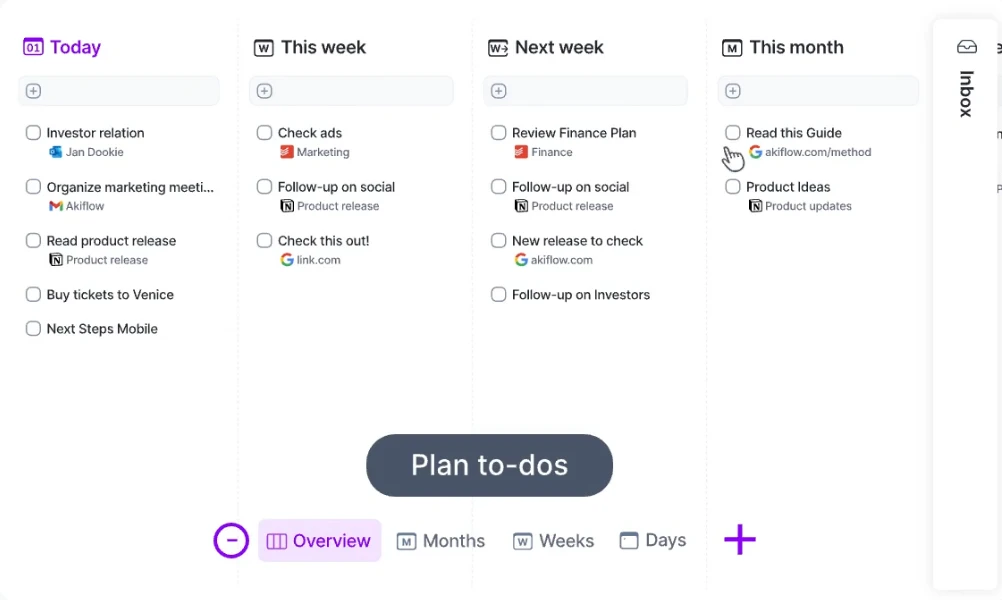
The verdict: Akiflow is ideal for people who feel buried under too many channels. It gives you a single minimalist view of your day and restores a sense of control over time.
4. Raycast: The Minimalist Launcher for Professional Workflows
If you use a Mac in 2026, Raycast is one of the clearest examples of invisible interface design done right. It stays out of sight until you need it, then compresses complex actions into a few keystrokes.
Replacing the Bloat
Think about how many menu bar tools you installed over the years. Clipboard managers, window managers, app launchers, calculators, quick scripts. Raycast can replace most of them.
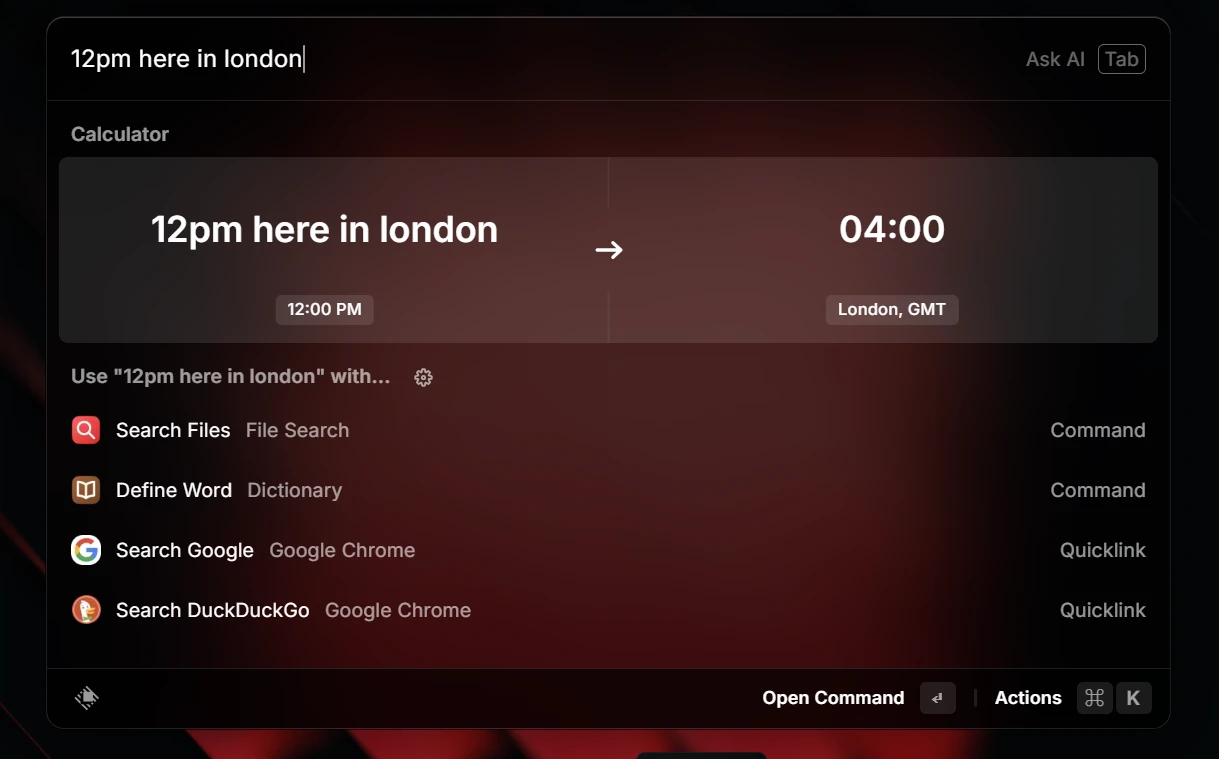
Integrated clipboard history: You can search past copied items without relying on an extra utility.
Window management: Raycast handles common window actions through commands and shortcuts, which helps keep the desktop cleaner.
Extension ecosystem: Instead of bouncing between browser tabs and tiny helper apps, many actions happen directly inside the Raycast command bar.
System-Wide AI Power
Raycast also leans into AI in a way that feels useful rather than ornamental.
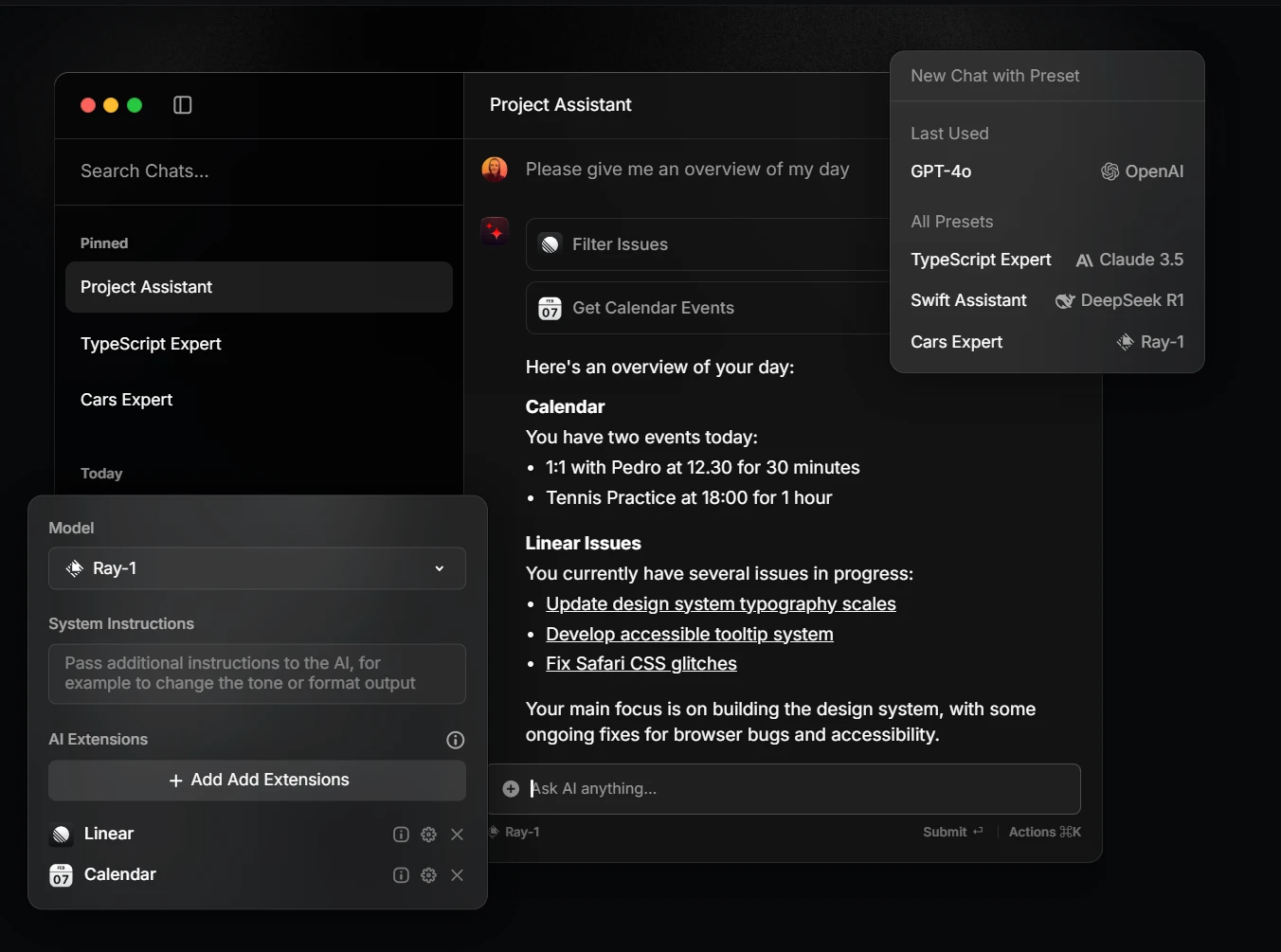
Contextual actions: You can highlight text, code, or content from another app and use Raycast to explain, rewrite, or summarize it.
Script commands: Advanced users can trigger their own Bash or Python workflows from the same minimalist interface.
Raycast wins because it removes visual clutter without reducing capability. For many professionals, it is the difference between a desktop filled with tools and a desktop that feels almost empty.
5. Bear: The Aesthetic Sanctuary for Writers
When the priority is calm writing rather than broad project management, Bear remains one of the most elegant minimalist tools available. It is designed for people who want a writing environment that feels focused, tactile, and beautifully restrained.
Beauty in Simplicity
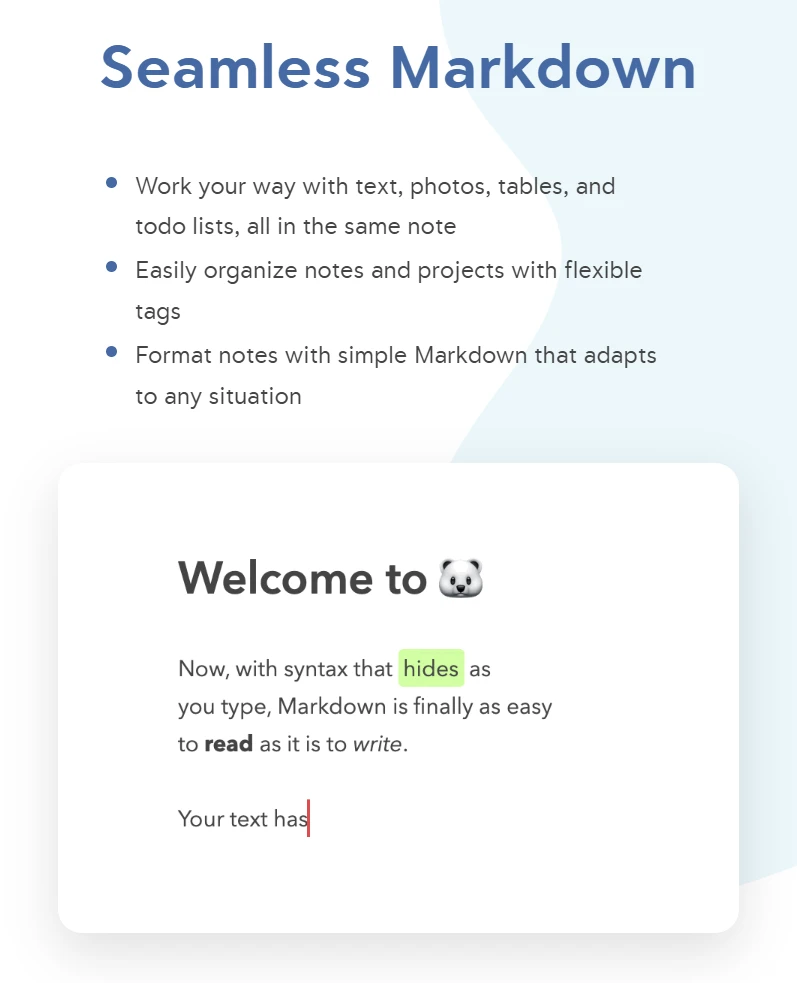
Bear is known for an organization model built around tags rather than heavy folders and panels.
Floating editor feel: The writing experience stays visually light, with Markdown support that does not interrupt the flow of drafting.
Nested tagging: Tags such as
#work/marketingcreate a flexible hierarchy without forcing you into rigid file structures.Strong export options: Even though the app feels simple, it can export polished content to formats such as PDF, HTML, and DOCX.
Bear is a great fit for writers, note-takers, and anyone who feels overstimulated by feature-heavy workspaces.
6. Drafts: The Launchpad for Every Thought
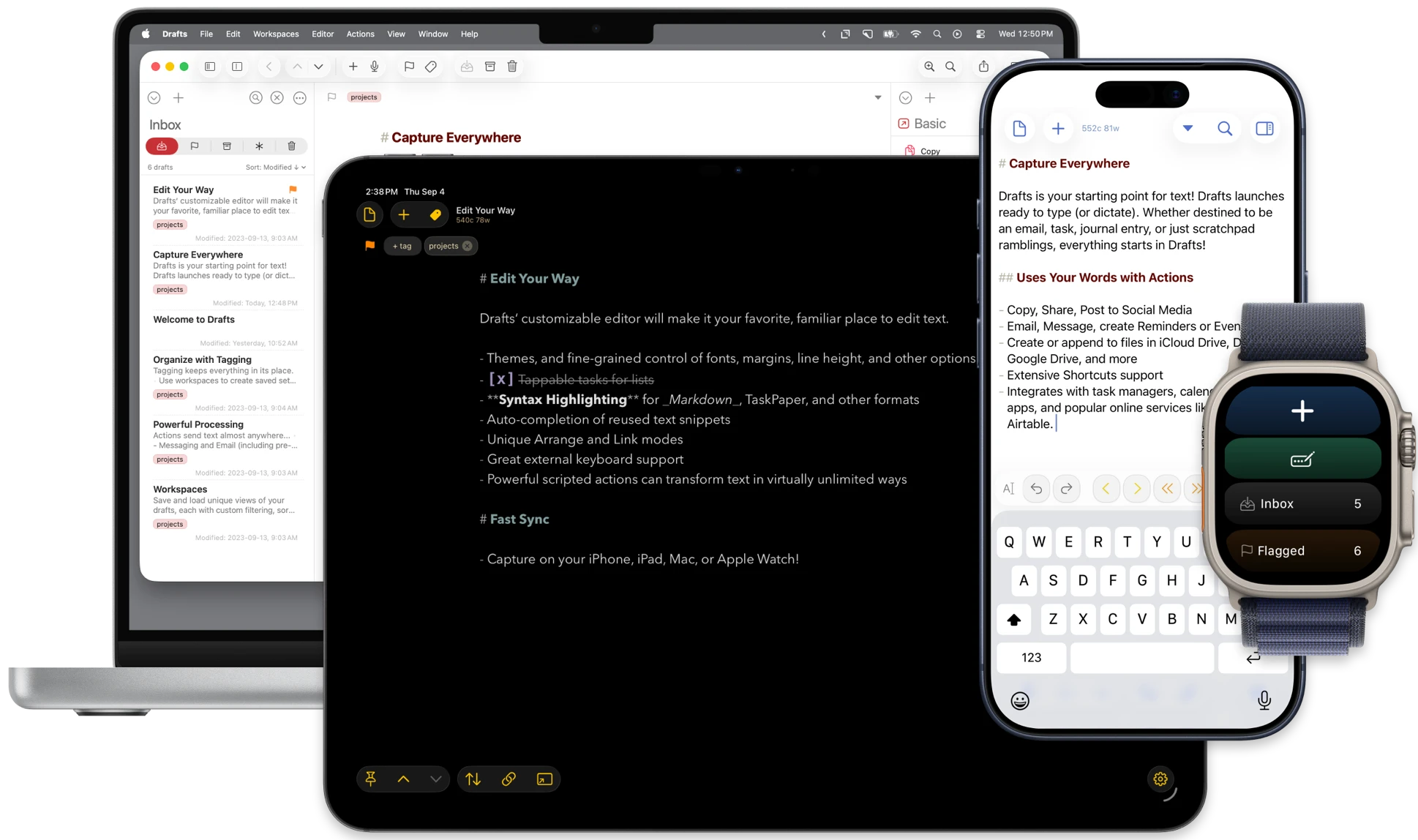
If Bear is a sanctuary for focused writing, Drafts is a launchpad for fast capture. Its philosophy is direct: where text starts.
Zero-Friction Capture
Drafts opens to a blank page immediately. There is no folder to choose, no note title to create, and no setup friction before the idea lands.
Action-based workflow: Once text is captured, you can send it to other destinations such as Buildin, Todoist, or social platforms through built-in actions.
Excellent dictation support: For people who think while walking, commuting, or driving, voice capture is a major strength.
Inbox by design: Drafts is not trying to become your permanent knowledge base. Its power comes from being a temporary landing zone with almost zero resistance.
That makes it one of the best minimalist tools for preserving ideas before they disappear.
7. Things 3: The Peak of Interaction Design
While many task managers keep expanding, Things 3 remains admired because it still feels light. Its interface is polished, intuitive, and deliberately free of unnecessary visual pressure.
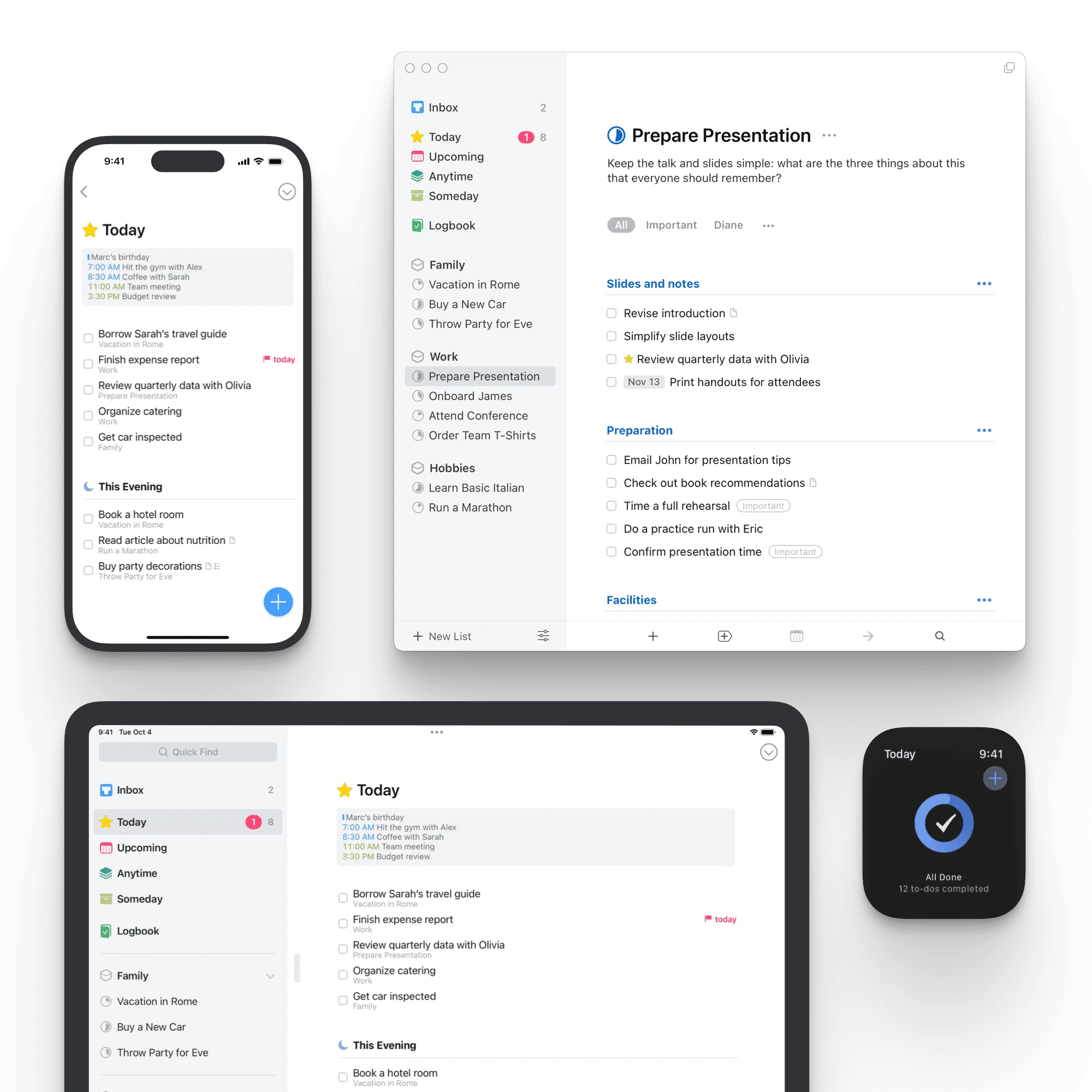
The Magic UI
Things 3 uses white space, soft motion, and strong visual hierarchy to make task management feel less burdensome.
Magic Plus button: A single control lets you add a task exactly where it belongs.
Today and This Evening: The separation between work time and personal time is subtle, but psychologically useful.
Progress circles: Instead of overwhelming charts, Things uses simple circular indicators to show how a project is moving forward.
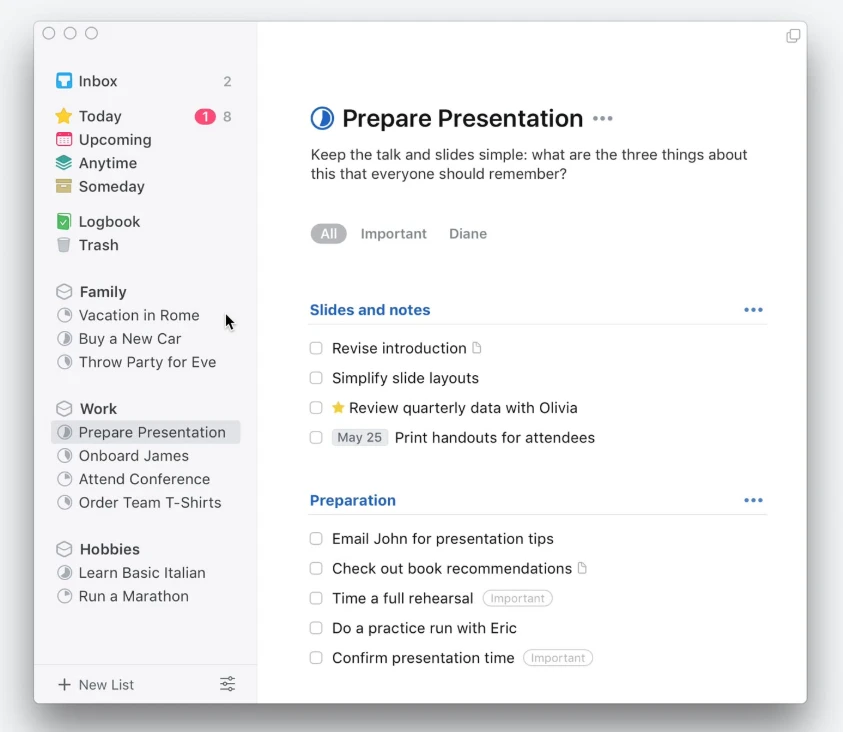
If you care deeply about interaction design, Things 3 is still one of the clearest proof points that a task manager can feel both capable and peaceful.
8. Amie: The Joyful Minimalist Calendar
Amie represents a newer generation of productivity software that combines calendar, tasks, and lifestyle signals into one softer and more approachable planning experience.
The Integrated Lifestyle
Amie treats your day as a single timeline rather than a set of disconnected apps.
- Drag-and-drop scheduling: Tasks can be moved directly onto open time slots, which makes planning feel more tactile and realistic.
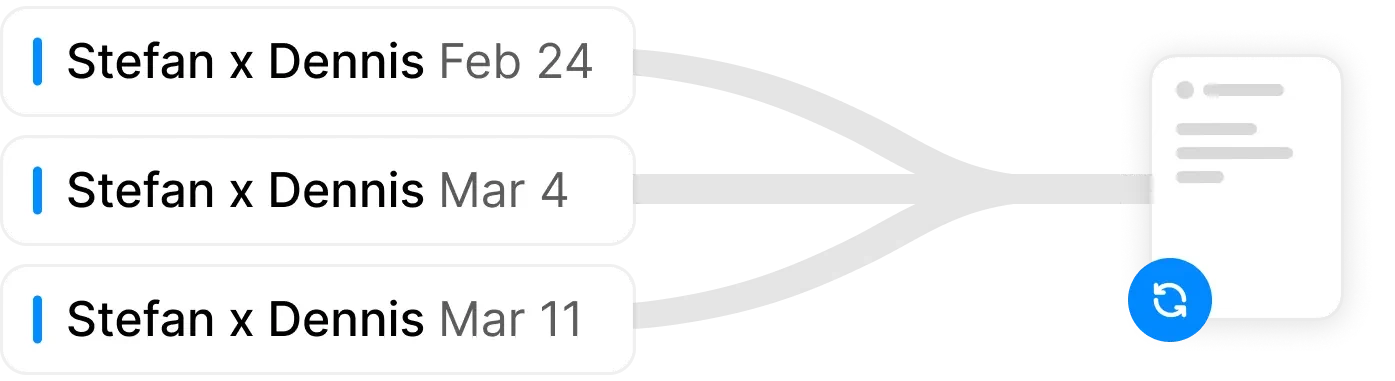
- Clean availability sharing: Instead of endless email coordination, you can share availability through a lightweight, visually polished link.
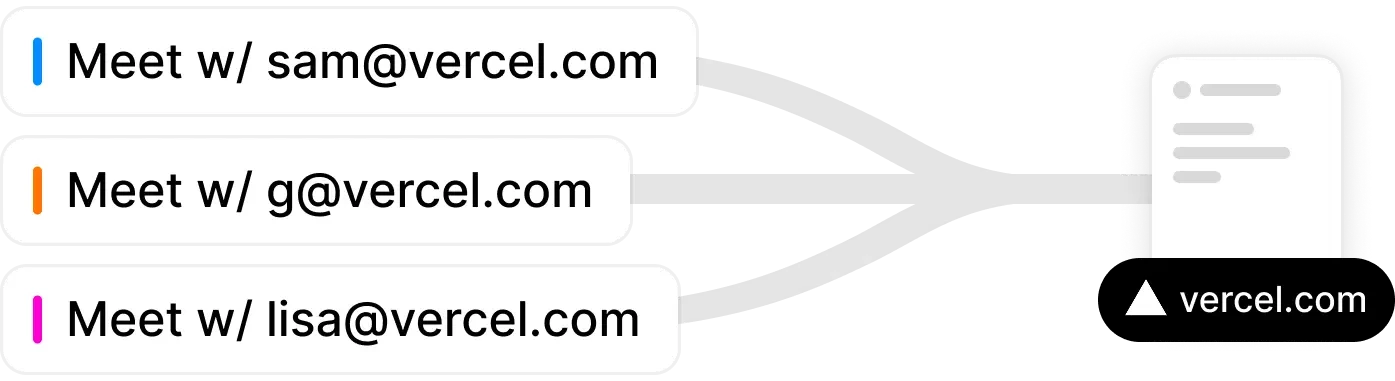
- Playful restraint: Amie uses color and interaction in a way that feels warm rather than busy, which helps planning feel less mechanical.
For users who find traditional calendar software cold or exhausting, Amie offers a more human version of minimalist scheduling.
9. Day One: The Minimalist Mindset Journal
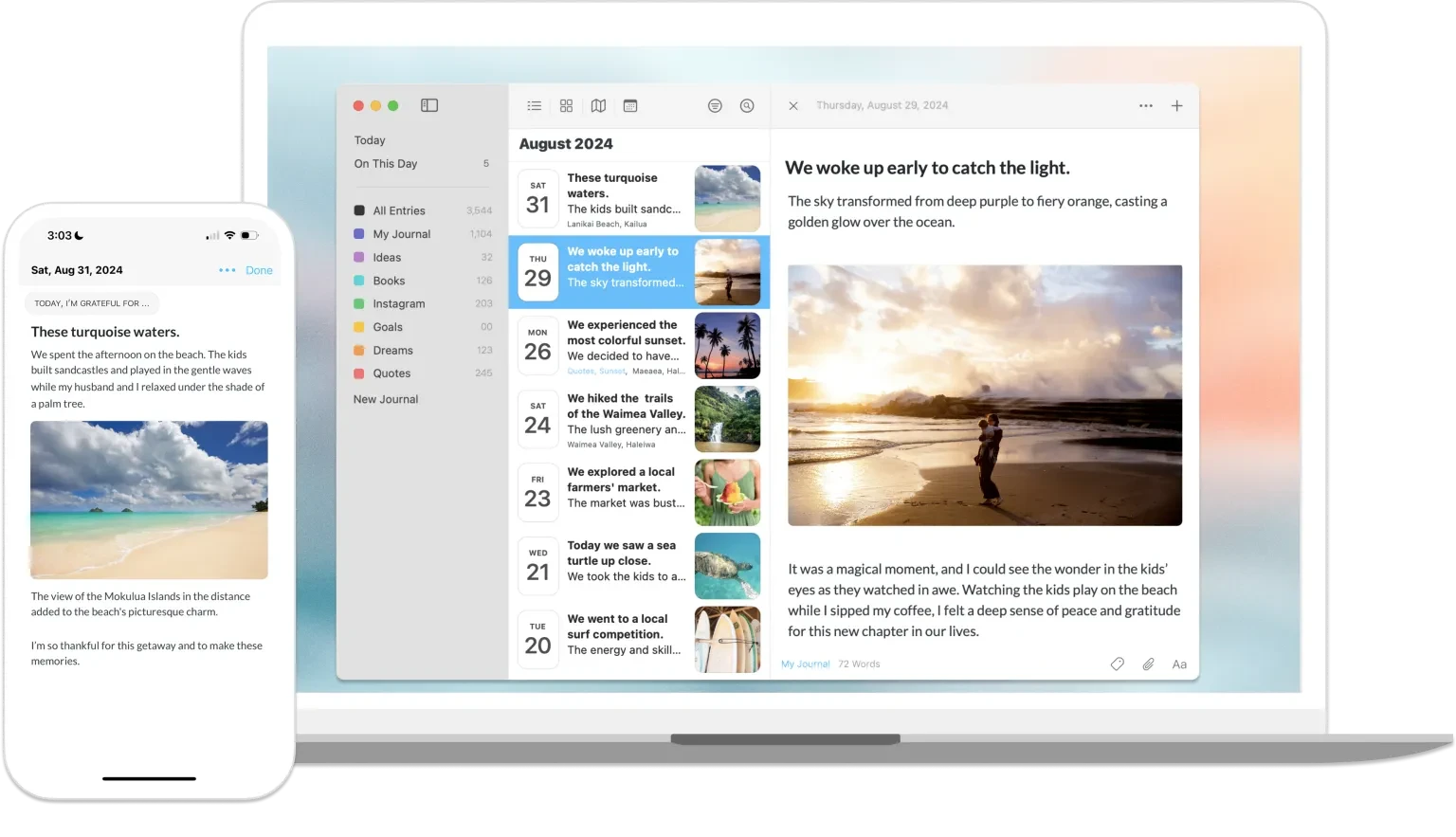
Productivity is not only about output. It is also about reflection. Day One remains one of the strongest journaling apps because it makes self-review feel easy, private, and inviting.
Frictionless Reflection
Day One removes as much resistance as possible from the journaling habit.
One-tap entries: You can add photos, voice notes, and contextual details without navigating a complicated interface.
On This Day reminders: Revisiting past entries turns journaling into a longer-term system for learning from your own patterns.
End-to-end encryption: Privacy is handled seriously, which matters when the app is storing your most personal thoughts.
If your goal is mental clarity rather than just task execution, Day One earns its place in a minimalist stack.
10. Minimalist: The No-Frills To-Do List
For people who think even Todoist has become too much, there is an app literally called Minimalist. It may be the purest expression of this entire category.
Functional Stripping
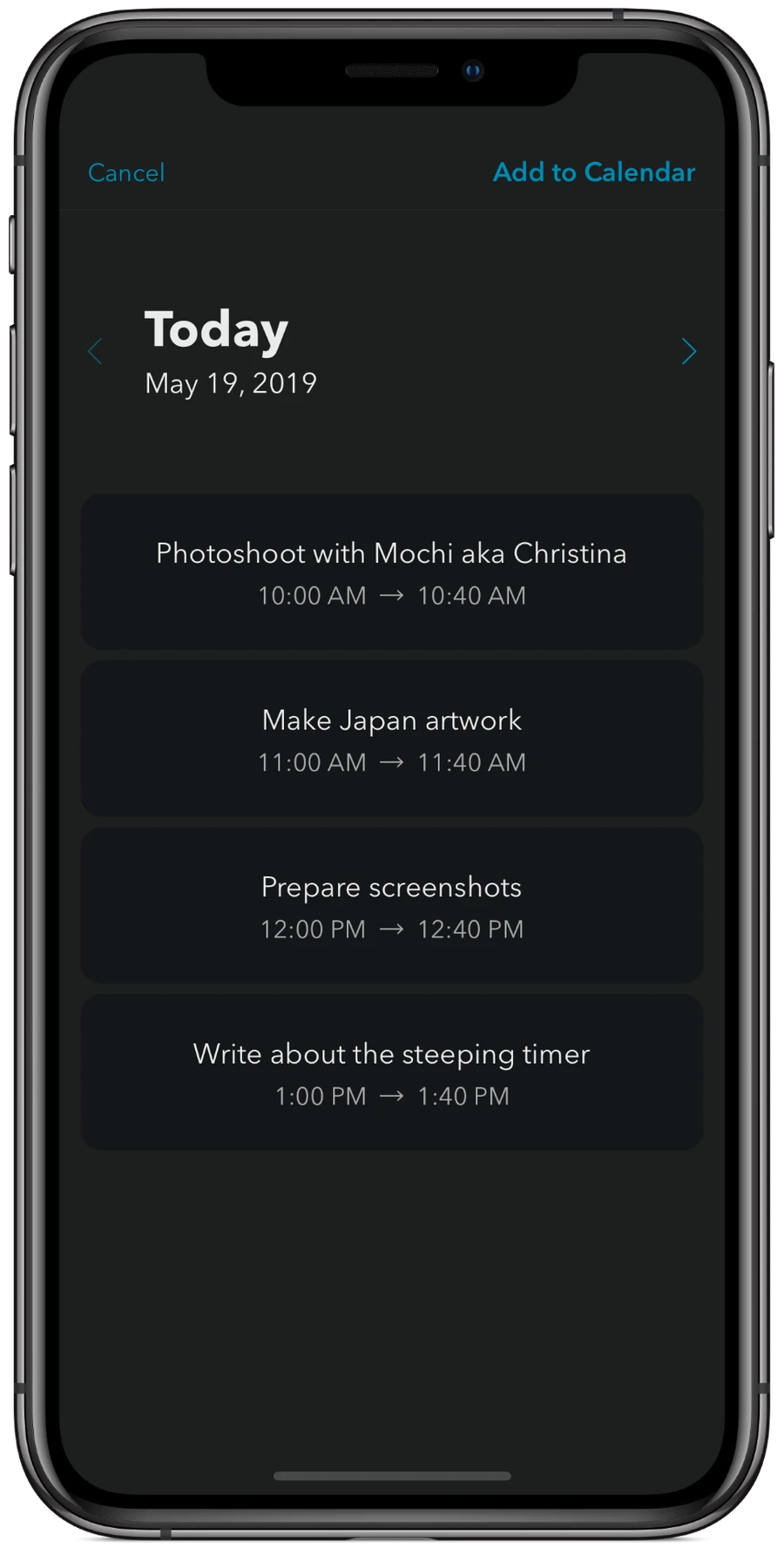
Minimalist, sometimes listed as MinimaList, is a gesture-driven task manager with almost no visible controls.
Gesture-first interaction: Swipe down to add a task, swipe right to complete it, and swipe left to delete it. The app feels closer to paper than software.
Built-in Pomodoro: A simple monochrome timer supports focused work without turning the app into a full productivity operating system.
Pure focus: No folders, no tags, no elaborate priority system. Just a list and the next action in front of you.
For users exhausted by productivity theater, Minimalist is a useful reminder that the best tool is sometimes the one that asks the least from you.
Summary: Crafting Your Minimalist Tech Stack for 2026
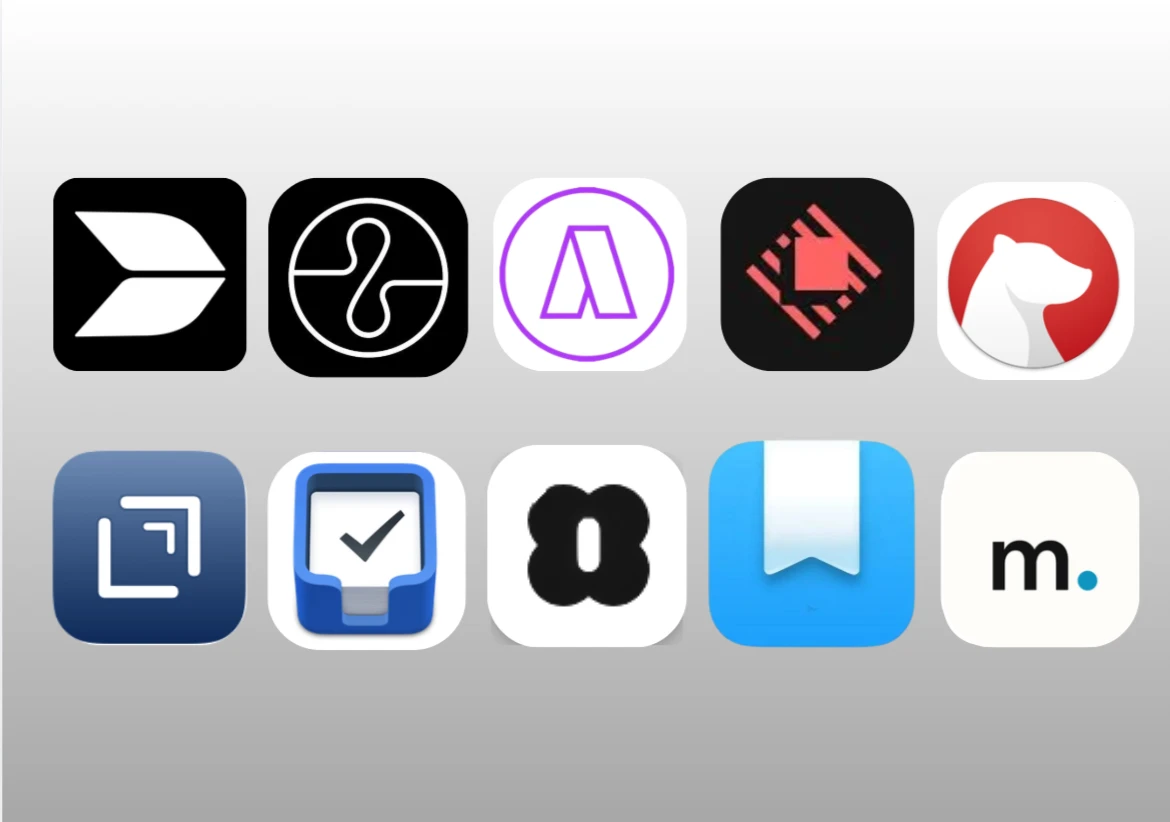
| Category | Recommended App | Primary Minimalist Benefit | Best For... |
|---|---|---|---|
| All-in-One | Buildin | Replaces multiple tools with one calm workspace. | Knowledge management, collaboration, and monetization. |
| Task and Calendar | Akiflow | Connects tasks to real time on your calendar. | High-volume task processing and realistic planning. |
| Focus Sound | Endel | Uses adaptive audio to support flow states. | Deep work and reducing mental fatigue. |
| System Utility | Raycast | Compresses many desktop utilities into one launcher. | Power users who want a cleaner OS. |
| Pure Writing | Bear | Provides a beautiful, low-friction writing space. | Focused writing and ideation. |
| Quick Capture | Drafts | Opens instantly for fast idea capture. | Brainstorming and fast intake. |
| Task UI | Things 3 | Makes task management feel light and intuitive. | Personal planning and daily execution. |
| Joyful Planning | Amie | Blends calendar and tasks into one soft interface. | Scheduling and lifestyle planning. |
| Reflection | Day One | Turns journaling into a clean reflection habit. | Mental clarity and self-review. |
| Extreme Minimal | Minimalist | Reduces task management to the bare essentials. | Escaping complex productivity systems. |
Your next step: If you want a minimalist workspace that can organize ideas, run projects, and help monetize your expertise, start with Buildin. It is the only app on this list that combines focus, structure, AI support, and business potential in one place.

Sency Shen
Skilled in content structuring, topic breakdown, and background research, with a strong interest in knowledge management and content workflows. Responsible for research, information organization, and foundational content preparation at Buildin.